

10 Essential Cybersecurity Tips to Stay Safe While Shopping Online
Online shopping has become an important part of our daily lives. People can purchase electronics, clothing, accessories, groceries, and many other products without visiting a physical store. However, as online shopping continues to grow, protecting personal information and financial details has become increasingly important.
Cybercriminals may use fake websites, phishing emails, stolen passwords, and fraudulent payment pages to target online shoppers. A single careless click or an unsecured account can put personal information at risk.
Whether you are purchasing a mobile phone, laptop, clothing, or household products, understanding basic cybersecurity practices can help you shop more safely.
In this article, we will explore ten essential cybersecurity tips that every online shopper should follow.
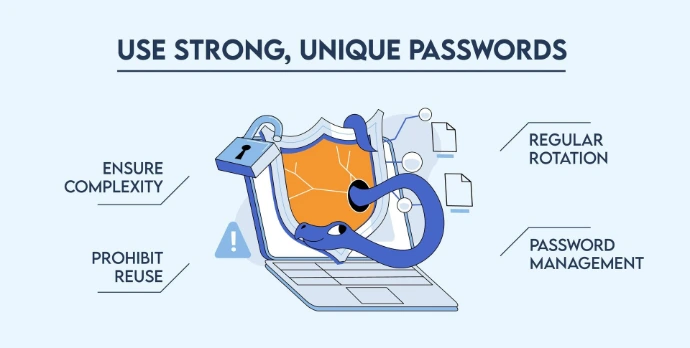
1. Use Strong and Unique Passwords
Your password is one of the first lines of defence against unauthorized access to your online shopping account.
Avoid using simple passwords such as your name, birth date, or common number combinations. Instead, create long and unique passwords for different websites.
Tips for better password security:
Use long passwords or passphrases.
Avoid using the same password on multiple websites.
Use a trusted password manager to generate and store passwords.
Never share your password with unknown people.
For example, using a unique passphrase for your shopping account is safer than reusing the password you use for social media.
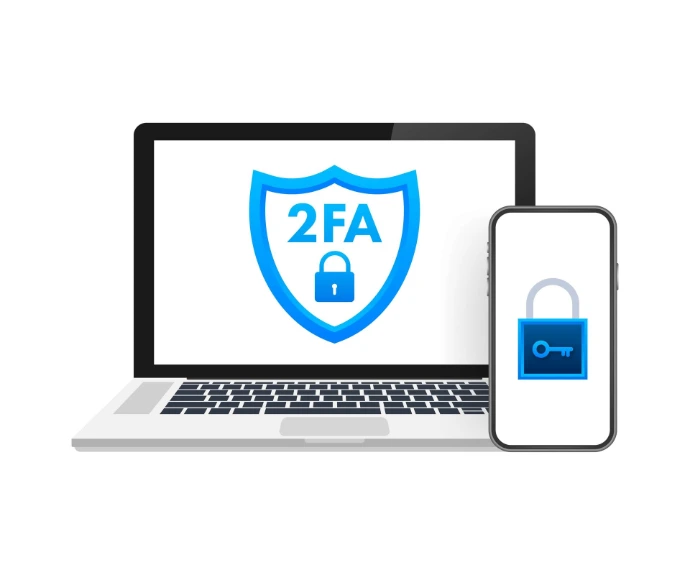
2. Enable Two-Factor Authentication (2FA)
Two-factor authentication adds another layer of protection to your account.
Normally, you log in using a username and password. With 2FA enabled, you must provide an additional verification method, such as an authenticator app code or security key.
Even if someone discovers your password, the additional verification step can make unauthorized access more difficult.
What you should do:
Enable 2FA wherever it is available.
Prefer authenticator apps or security keys when supported.
Never share verification codes with anyone.
Do not approve unexpected login requests.
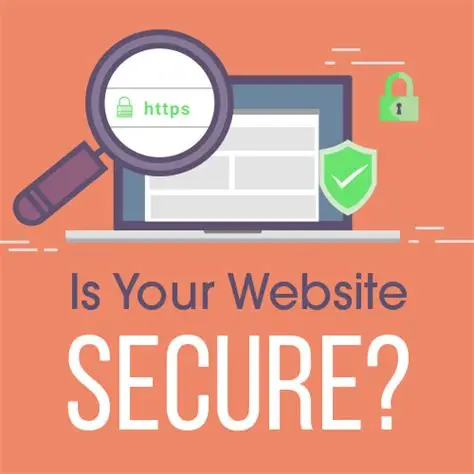
3. Check Whether a Website Is Secure
Before entering personal information or payment details, check the website address carefully.
A website using HTTPS encrypts information exchanged between your browser and the website. You can usually identify it by the padlock symbol in the browser's address bar.
However, HTTPS alone does not prove that a website or online seller is legitimate.
Before purchasing, check:
Whether the website address is spelled correctly.
Whether the website uses HTTPS.
Whether the business provides genuine contact information.
Whether its return, refund, and privacy policies are available.
Whether independent customer reviews appear trustworthy.
Avoid websites that look suspicious or imitate well-known online stores.
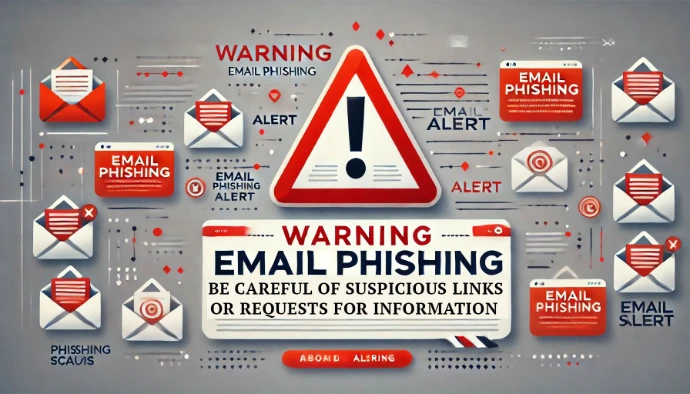
4. Be Careful of Phishing Emails and Messages
Phishing is a common cyberattack in which criminals attempt to trick people into revealing sensitive information.
You might receive a message claiming that:
Your online shopping account has been suspended.
Your package cannot be delivered.
You have won a shopping voucher.
You must verify your payment information immediately.
These messages may contain links to fake websites designed to steal your login details.
How to stay protected:
Do not click suspicious links.
Check the sender's email address.
Avoid downloading unexpected attachments.
Visit the official website directly instead of following unfamiliar links.
Never share passwords, OTPs, or banking information through suspicious messages.
Remember: If a message creates urgency or promises something that seems too good to be true, verify it before taking action.
5. Use Safe Payment Methods
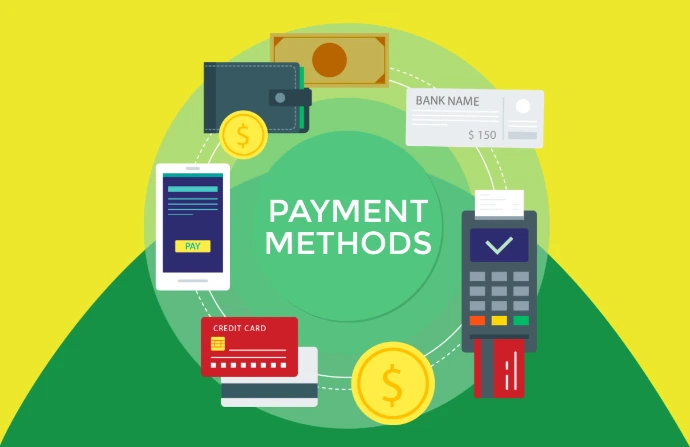
Online payment security is essential when purchasing products from eCommerce websites.
Always use payment methods offered through trusted and legitimate payment providers.
Payment safety tips:
Use trusted payment gateways.
Check the payment amount before confirming.
Never share your banking PIN or OTP.
Avoid saving card details on unfamiliar websites.
Monitor your bank or wallet transactions regularly.
If you notice an unfamiliar transaction, contact your bank or payment provider immediately using its official contact details.
6. Avoid Shopping on Public Wi-Fi
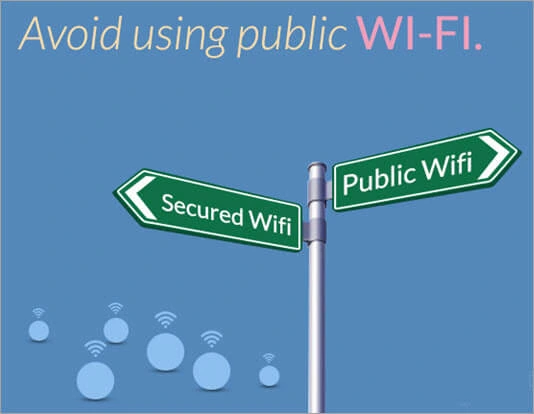
Public Wi-Fi networks in cafes, hotels, airports, and other public places may not provide the same level of security as your private network.
Some networks may be poorly configured or impersonated by attackers.
For safer online shopping:
Avoid making sensitive payments on unknown public Wi-Fi.
Use your mobile data connection when possible.
Confirm the network name with the establishment.
Keep your device's security settings updated.
Consider a reputable VPN when using untrusted networks.
A VPN can help protect network traffic, but it does not make phishing websites or fraudulent sellers safe.
7. Keep Your Devices and Applications Updated
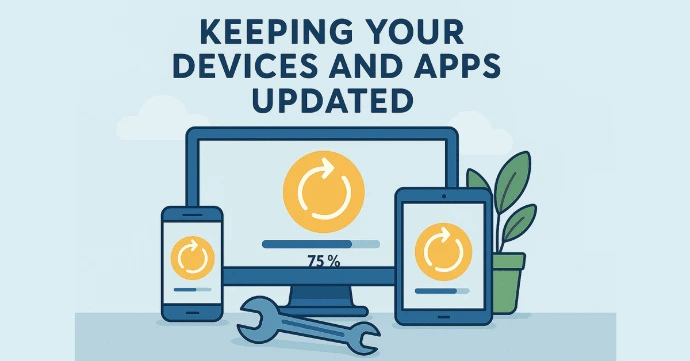
Outdated software may contain security weaknesses that attackers can exploit.
Your smartphone, laptop, browser, and shopping applications should receive security updates regularly.
Make sure you:
Install operating system updates.
Update your web browser.
Download applications from official app stores.
Remove applications you no longer use.
Enable automatic updates when appropriate.
8. Protect Your Personal Information
Online shopping websites may request information such as your name, phone number, delivery address, and payment details.
Only provide information that is necessary for the transaction.
Protect your privacy by:
Avoiding unnecessary personal information sharing.
Checking website privacy policies.
Never posting payment information publicly.
Avoiding unknown forms asking for sensitive details.
Being careful about storing personal information on shared devices.
Remember that your personal information is valuable. Share it only with services you have reason to trust.
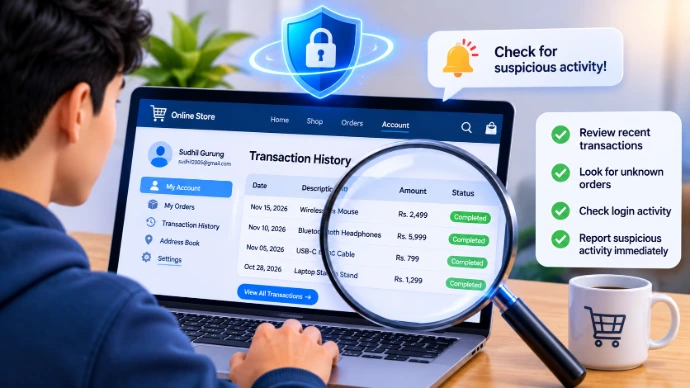
9. Check Your Shopping Account and Transaction History
Regularly reviewing your shopping accounts can help you identify suspicious activity.
Check your account for:
Orders you did not place.
Unknown login notifications.
Changes to your delivery address.
Unexpected payment activity.
Password or email changes you did not request.
If you identify suspicious activity, change your password from a trusted device, sign out of other sessions if possible, and contact the relevant service or payment provider.
10. Understand the Importance of Data Backup
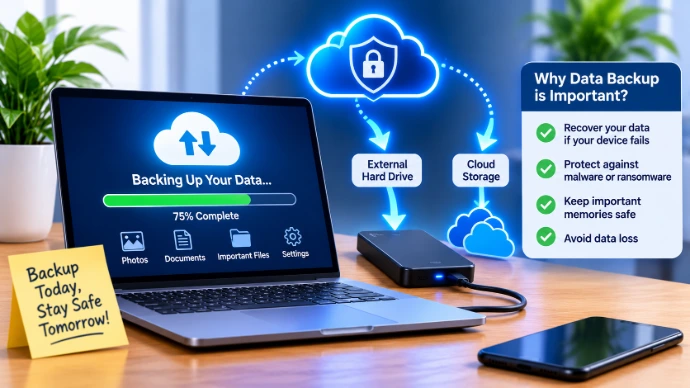
Although backups are more commonly associated with protecting business and personal files, they are also an important part of digital safety.
If your device is affected by malware, ransomware, or hardware failure, a separate backup can help you recover important information.
Good backup practices include:
Backing up important documents and photos regularly.
Using a trusted external drive or cloud backup service.
Protecting backup accounts with strong authentication.
Keeping at least one backup separate from your main device.
Testing whether your backups can actually be restored.
Do not connect your only backup drive to a device that may be infected.
Why Cybersecurity Matters for Online Shopping
Cybersecurity is not only the responsibility of technology companies. Online shoppers also play an important role in protecting their own accounts and personal information.
By following basic security practices, customers can reduce common risks such as phishing, account theft, fraudulent transactions, and unauthorized access.
A safer shopping experience begins with awareness, careful decisions, and responsible use of technology.
Online shopping makes purchasing products easier and more convenient, but digital safety should never be ignored.
Using strong passwords, enabling two-factor authentication, checking website addresses, avoiding suspicious links, and choosing trusted payment methods can help protect your online shopping experience.
Before your next online purchase, take a few minutes to check whether your account, device, and payment method are secure.
Shop smart. Stay alert. Stay safe online!