
Business IT Solutions: A Guide to Modern Office Technology
Businesses today depend on technology to manage their daily activities, communicate with customers, protect their workplaces, and complete important tasks. From small offices to large companies, having the right IT equipment can make everyday work more organized and efficient.
Business IT solutions include different types of technology, such as computer networking, CCTV security systems, printers, and other office equipment. Understanding these technologies helps businesses choose suitable products for their working environment.
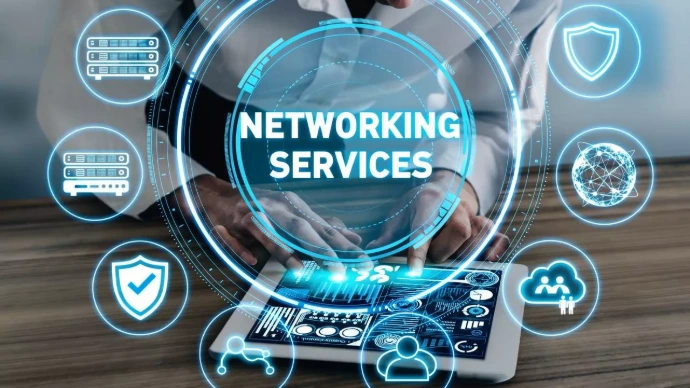
1. Networking Solutions for Better Connectivity
Computer networking allows different devices to communicate and share resources. A properly planned network helps employees connect computers, printers, servers, and other devices within an office.
Some common networking products include:
Routers: Connect a local network to the internet and manage network traffic.
Network Switches: Connect multiple wired devices within the same local network.
Wireless Access Points: Provide Wi-Fi connectivity to laptops, smartphones, and other wireless devices.
Network Cables: Provide wired connections between networking equipment and computers.
Network Video Recorders (NVRs): Receive and store video from compatible IP cameras.
Choosing suitable networking equipment depends on the number of connected devices, office size, internet requirements, and network security needs.
2. CCTV Solutions for Workplace Security
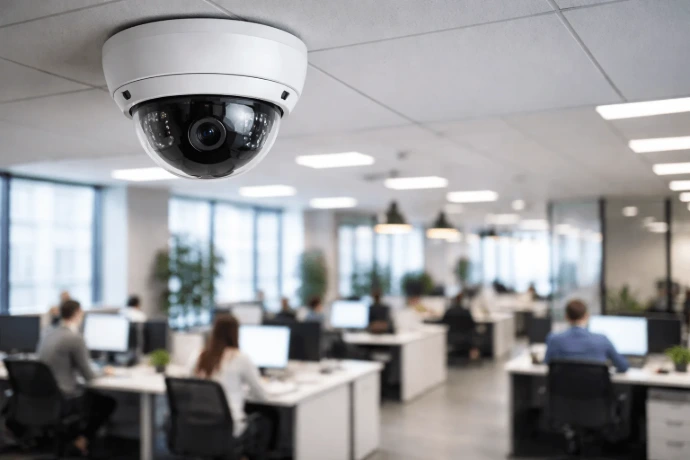
CCTV systems help businesses monitor their offices, shops, warehouses, and other important areas. They can record video footage and allow authorized users to review activities when necessary.
Common CCTV equipment includes:
IP Cameras: Capture video and transmit it through an IP network.
DVR Systems: Record video from compatible analogue cameras.
NVR Systems: Record video from compatible network cameras.
Hard Drives: Provide storage for recorded footage.
PoE Switches: Can provide both network connectivity and electrical power to compatible PoE devices through one Ethernet cable.
When choosing a CCTV system, businesses should consider camera resolution, storage capacity, coverage area, lighting conditions, and remote viewing requirements.
Proper camera placement and access control are also important for protecting recorded information and maintaining privacy.
3. Printers and Printing Solutions
Printers remain important office devices for preparing documents, invoices, reports, photographs, and business records.
Different types of printers are available depending on business requirements.
Inkjet Printers: Commonly used for colour printing and everyday document printing.
Laser Printers: Use toner and are often suitable for offices with regular document-printing requirements.
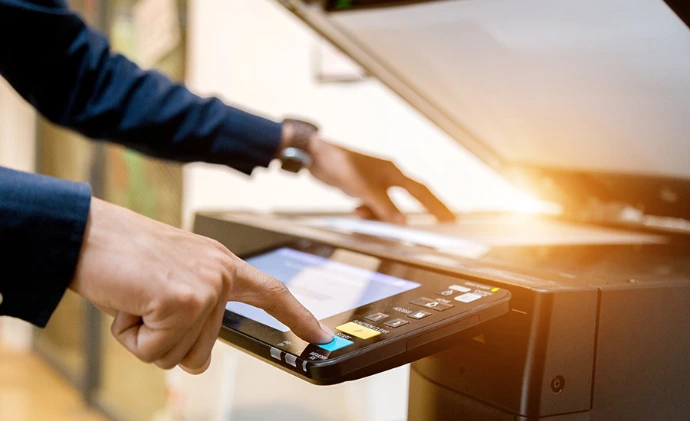
Multifunction Printers: Combine printing, scanning, and copying in one device.
Barcode Printers: Print labels and barcodes for inventory and product management.
Toner and Ink Cartridges: Supply the printing material required by compatible printers.
Before purchasing a printer, businesses should consider printing volume, colour requirements, printing speed, connectivity, paper size, and the cost of replacement supplies.
4. Essential Office Technology
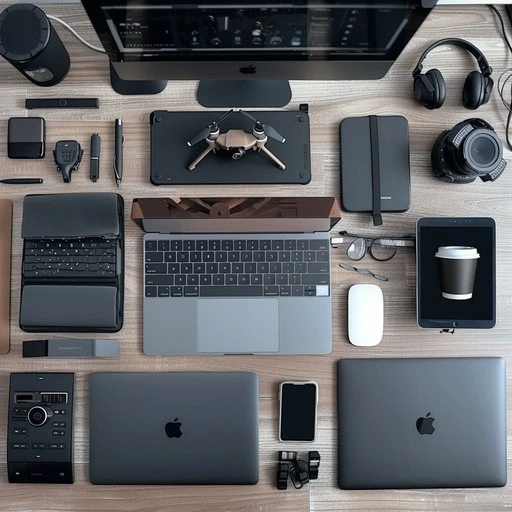
Apart from networking, security, and printing equipment, offices also require other technology to support their daily operations.
Some useful office technology includes:
Desktop Computers and Laptops: Used for office applications, communication, and business management.
Monitors: Provide additional screen space for daily work.
Keyboards and Mice: Support comfortable computer operation.
UPS Systems: Provide temporary backup power and help protect connected equipment from certain power-related problems.
Telephone and PABX Systems: Help businesses manage internal and external communication.
Storage Devices: Provide additional space for business files and data.
Selecting the right combination of equipment can help create a more organized and productive working environment.
5. How to Choose the Right IT Equipment for Your Business
Before purchasing IT equipment, businesses should understand their actual requirements.Here are some important factors to consider:
Business Requirements: Identify what equipment is needed for daily operations.
Compatibility: Check whether devices and accessories work together.
Performance: Compare specifications such as speed, capacity, resolution, and connectivity.
Budget: Consider both the initial purchase price and future operating costs.
Maintenance: Check the availability of replacement parts, consumables, and technical support.
Security: Consider network protection, device access, data storage, and privacy.
Making informed purchasing decisions can help businesses avoid unnecessary expenses and choose equipment that meets their needs.
Modern businesses need reliable technology to support communication, security, document management, and everyday operations. Networking equipment, CCTV systems, printers, and office accessories all play important roles in creating an organized workplace.
Understanding the features and requirements of these products helps businesses make better technology decisions. Whether setting up a new office or upgrading existing equipment, choosing suitable IT solutions is an important step towards supporting business operations.